
 Il y a une version française de cet article
 This is a variant of the old article from august 2007 called Create a radiating sun, this time, I explain how to do a chromatic circle. The technic is about the same, but the color parameter of the clone tiling is used to achieve the object.
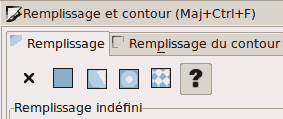 This time I used a triangle 200 long, 32 high (32, not 30 to avoid gap between triangles). After selecting the triangle, remove the color informations, to allow cloning to change color. Go to menu Object => Fill & stroke, then select the ? in Fill and in Stroke tabs.
Go then to Edition => Clone => Create Tiled clones…
- In Translation tab: insert -100,0 to per column shifting.
- In Rotation tab: 9° per column ( 360° / 40 = 9°, as there are 40 clones for the whole turn).
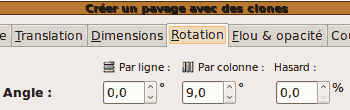
For color :
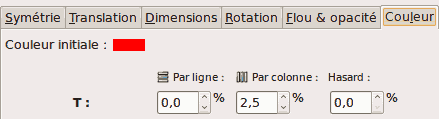
- In Color tab, at T (Taint) insert 2.5 per column (100 % / 40 = 2,5 %)
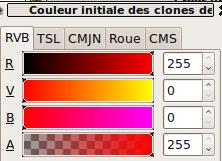
- To obtain red as initial color, click on little flat colored rectangle at the right of Initial color:
- On RGB (red – green – blue) insert respectivly 255, 0, 0 and 255 for the alpha channel (A)
- Then, close this window and press the Create button.
Et voila!
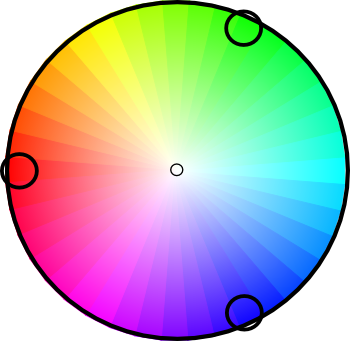
I added some black ring and a circle with white radial gradient on this picture to simulate a saturation gradient.